
 SHADE & FEEL
Shade paper with a graphite pencil
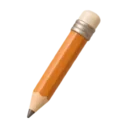
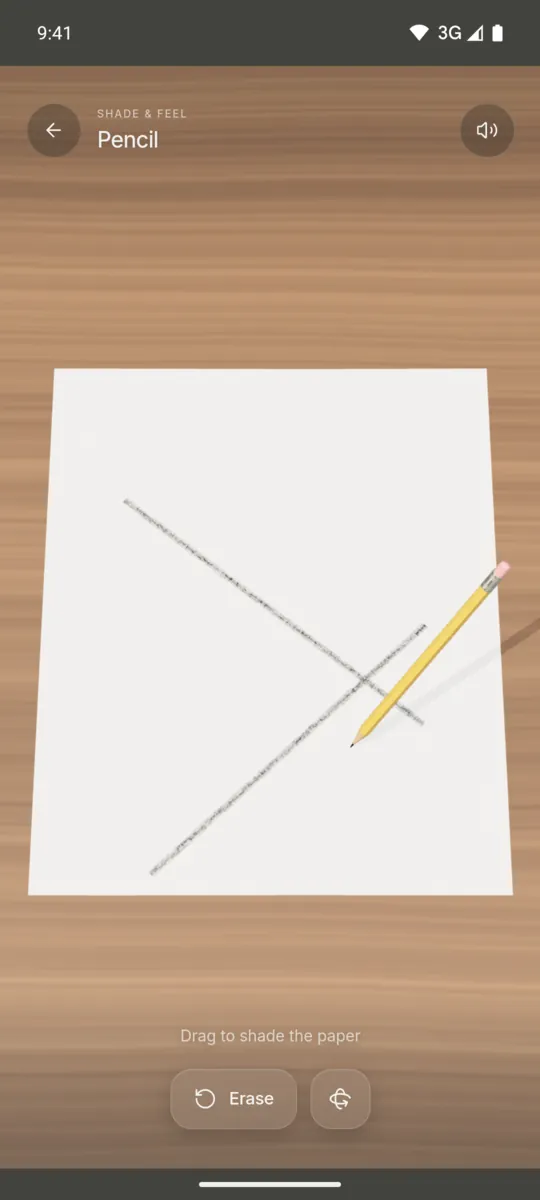
A yellow HB pencil sits on a sheet of drawing paper. Drag your finger and it shades where you go.

Android app. No account. No ads. Works offline.
What it is
The paper has a fine texture, like real drawing paper. Light strokes only mark the raised parts of the paper. More strokes fill the gaps and the graphite starts to shine.
The sheet lies on an oiled oak desk. You can shade, draw lines or fill an area. Tap Erase to clear the paper and start a new drawing.
How to use it
- Open the Pencil feel.
- Drag your finger across the paper to shade.
- Go over the same area again to make it darker.
- Tap Erase to clear the sheet.
What you feel
Fine pulses run while the pencil moves. Faster strokes give more feedback.
What you hear
A dry, scratchy pencil sound plays as you draw. It gets louder when you move faster.
When to use it
- While you listen to a call.
- When you want to doodle without paper.
- During a short pause in the afternoon.
Questions
Is there a pencil drawing ASMR app?
Haptic ASMR has a Pencil feel. You shade paper with a graphite pencil and hear and feel each stroke.
Can I save my drawing?
No. The Pencil feel is for the act of shading. Tap Erase to clear the sheet when you want to start again.
More feels like Pencil
See all 52 feels
PENCIL AND 51 MORE
Feel it on your phone.
The haptics work on your phone. The website shows the app only.