
 PEEL & FEEL
Peel and Fasten a Velcro Strip
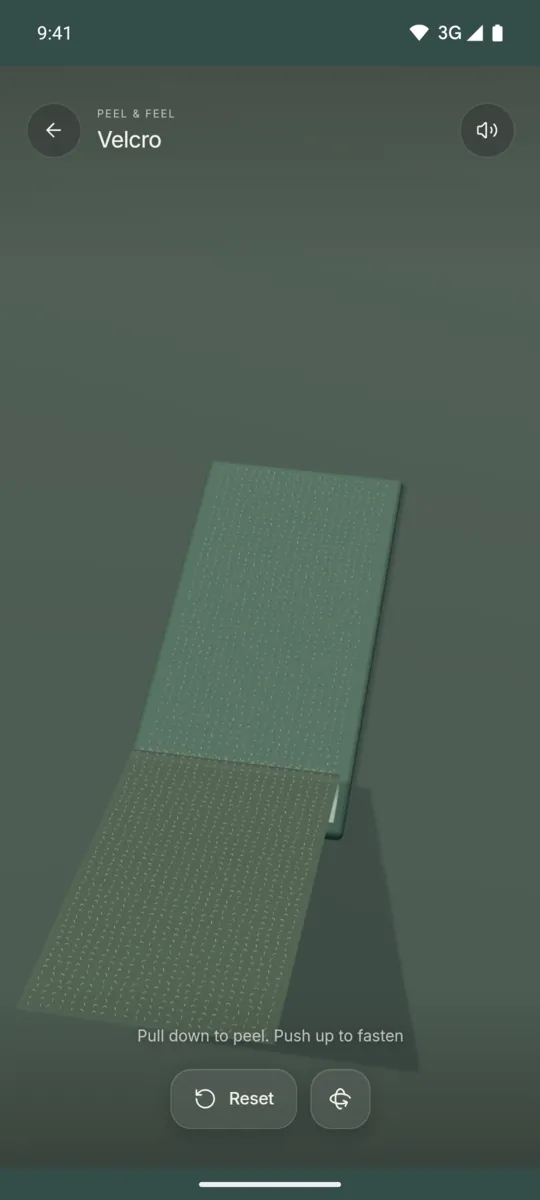
Pull down to peel the loop backing away from the hooks. Push up to fasten it again.

Android app. No account. No ads. Works offline.
What it is
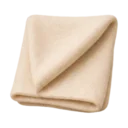
Velcro shows a strip of hook and loop fastener on a table. The top layer is a flexible loop backing that curls back as you peel it. Under it, you can see the small hooks.
The rip sound follows your finger. Slow movement gives a fine, crackly rip. Fast movement gives a stronger rip and makes the free end flutter. Push up to press the backing down again, or tap Reset to start with a closed strip.
How to use it
- Open Haptic ASMR and select Velcro.
- Put your finger on the strip.
- Drag down to peel the backing away.
- Push up to fasten the strip again.
- Tap Reset to close the strip completely.
What you feel
Short vibration pulses follow your finger while the strip moves. They stop when your finger stops.
What you hear
A rough ripping noise plays while you peel. A softer fabric sound plays when you fasten the strip.
When to use it
- Between two tasks at work.
- While you wait for a call to start.
- When you want a sound that follows your hand.
Questions
Is there a Velcro ripping ASMR app?
Haptic ASMR has a Velcro feel for Android. You pull down to peel the strip, and the sound and vibration follow the speed of your finger.
Can I close the strip again?
Yes. Push up to fasten the backing again, or tap Reset to close the whole strip.
More feels like Velcro
See all 52 feels

VELCRO AND 51 MORE
Feel it on your phone.
The haptics work on your phone. The website shows the app only.