
 CLICK & FEEL
Click a Retractable Pen
Tap the screen to click the pen. The tip comes out on one click and goes back in on the next.

Android app. No account. No ads. Works offline.
What it is
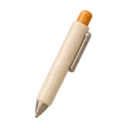
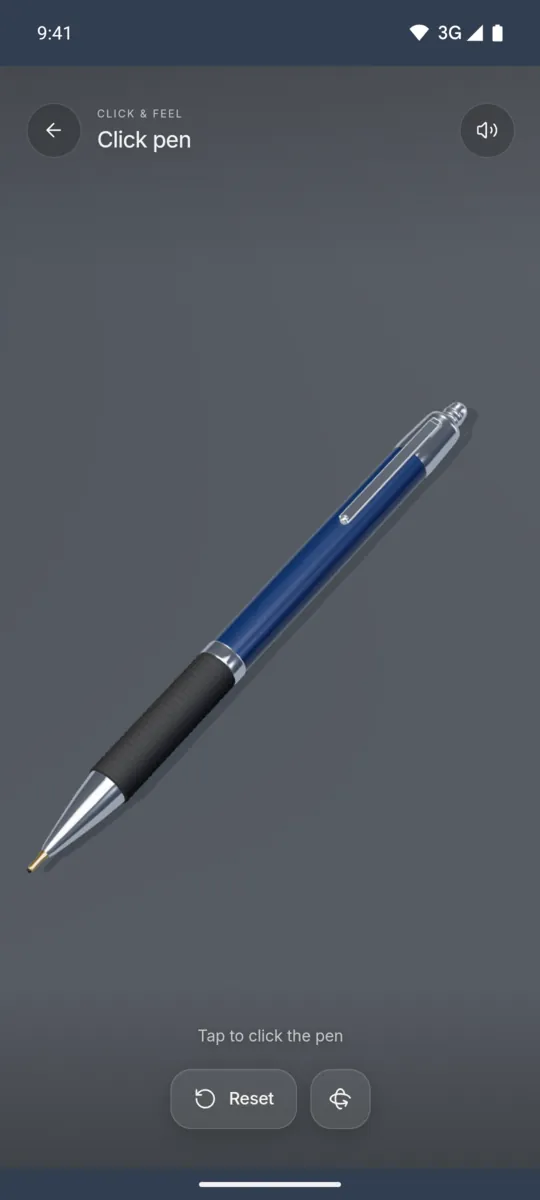
Click pen shows a retractable ballpoint pen on a desk. Tap anywhere on the screen to press the plunger. You do not need to hit the pen exactly. The tip comes out with a small spring movement, and the next tap pulls it back in.
The two clicks are different. Pushing the tip out gives a firm click. Pulling it in gives a lighter snap. When you lift your finger, the plunger springs back up with a soft tick. It is a digital simulation, so the pen never wears out.
How to use it
- Open Haptic ASMR and select Click pen.
- Tap the screen to push the tip out.
- Tap again to pull the tip in.
- Hold your finger down for a moment.
- Lift your finger to feel the plunger return.
What you feel
Pushing the tip out gives a strong double pulse. Pulling it in gives a lighter double pulse.
What you hear
A hard plastic click plays as the tip comes out. A lighter, brighter click plays as it goes in.
When to use it
- During a phone call where you only listen.
- While you read or think.
- In a quiet room, with the Sound switch off.
Questions
Is there a pen clicking app for Android?
Haptic ASMR has a Click pen feel. You tap the screen to click a retractable pen, and the phone vibrates with each click.
Can I use it without sound?
Yes. Turn off the Sound switch in the app settings. The clicks then come only as vibrations.
More feels like Click pen
See all 52 feels

CLICK PEN AND 51 MORE
Feel it on your phone.
The haptics work on your phone. The website shows the app only.